

How to Create Entity Reference Exposed Filter as a Select list using View Drupal 10
Problem Statement
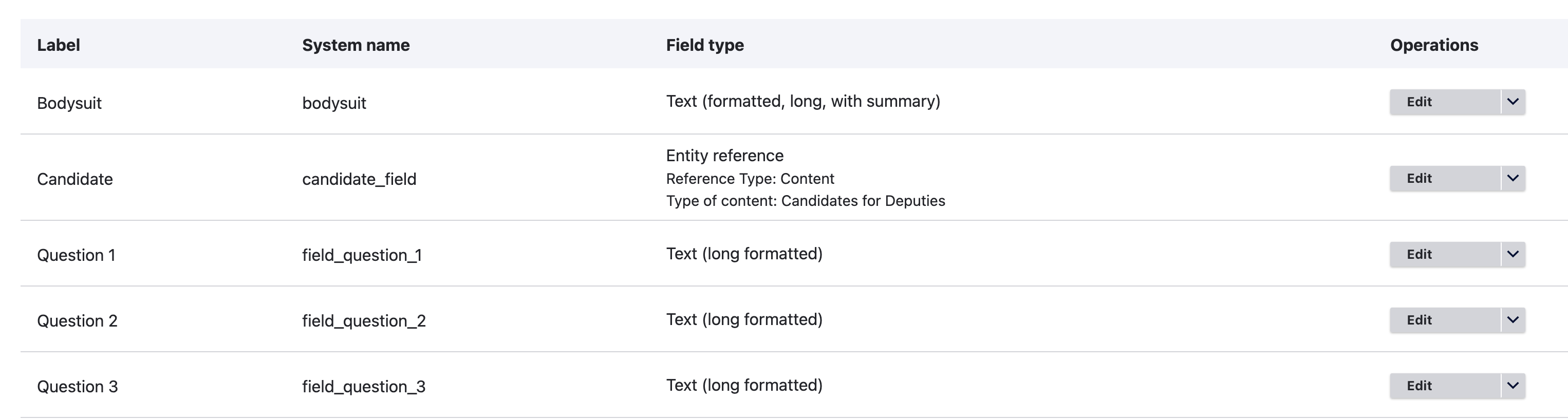
I have two content types : Candidates and Questions to Candidates, Now to link these two content types I am referring the candidates names as a entity reference field in Questions to Candidates content type. This will make a relationship between these two content types. Now, the next steps is to create a view where we can compare two candidates (selecting each candidate using a select list) and their answers to each of the questions. The problem is Drupal 10 does not provide a way to create a exposed select list from a entity reference field.
Solution
The Solution contains two parts
- Create comparison view
- Create Exposed Select List from Entity reference field
Create Comparison View
- Create a view with the format Flipped type (use this contributed module to get this format)
- Create a relationship with Candidates Content content, this will help us to fetch candidate name.
- Add the questions field in the Field section of view.
- Create two exposed filter to select two candidates with OR filter between them.
- This will now give you a working feature but with a autocomplete for candidate named instead of select list.
Create Exposed Select List from Entity reference field
- Create a new module or use existing module relevant for this code and update the below code in its .module file.
use Drupal\Core\Form\FormStateInterface;
/**
* Implements hook_form_FORM_ID_alter().
*
* Create select list for content reference exposed filter.
*/
function module_name_form_views_exposed_form_alter(&$form, FormStateInterface $form_state, $form_id) {
// If the view id is different return
if ($form['#id'] != 'views-exposed-form-questions-to-candidates-page-1') {
return FALSE;
}
// Query nodes
$storage = \Drupal::entityTypeManager()->getStorage('node');
$nids = $storage->getQuery();
$nids = $nids->condition('type', ''candidates)
->accessCheck(TRUE)
->condition('status', 1)
->execute();
// If there are no nodes, move on
if (!$nids) {
return FALSE;
}
// Start building out the options for our select list
$options = [];
$nodes = $storage->loadMultiple($nids);
$default_title_1 = '';
$default_title_2 = '';
// Push titles into select list and give default selection value
foreach ($nodes as $node) {
$options[$node->getTitle()] = $node->getTitle();
if ($default_title_1 == '') {
$default_title_1 = $node->getTitle();
}
if ($default_title_2 == '') {
$default_title_2 = $node->getTitle();
}
}
$title_field = 'title';
$form[$title_field]['#type'] = 'select';
$form[$title_field]['#multiple'] = FALSE;
// Add the $options from above to our select list
$form[$title_field]['#options'] = $options;
unset($form[$title_field]['#size']);
$title_field_1 = 'title_1';
$form[$title_field_1]['#type'] = 'select';
$form[$title_field_1]['#multiple'] = FALSE;
// Add the $options from above to our second select list
$form[$title_field_1]['#options'] = $options;
unset($form[$title_field_1]['#size']);
}
- We load all published Candidates nodes, sorted by name
- We create an array of Candidate names keyed & values by candidate name. These will be our select list options.
- We change the existing exposed form input to a select list and populate it with our new options array.